Bing Maps Gas Calculator
The Bing Maps Gas Calculator helps you estimate the fuel costs of any driving trip before you hit the road. By combining the accurate distance calculations provided by Bing Maps with your vehicle's fuel efficiency and current gas prices, you can create a realistic budget for gasoline expenses. This is an invaluable tool control fuel spending.
Fuel costs represent one of the largest expenses associated with driving. According to recent data from the U.S. Bureau of Labor Statistics, the average American household spends over $2,000 per year on gasoline. Understanding how to calculate and predict these costs gives you greater control over your transportation budget and helps you make smarter travel decisions.
How to Calculate Gas Costs with Bing Maps
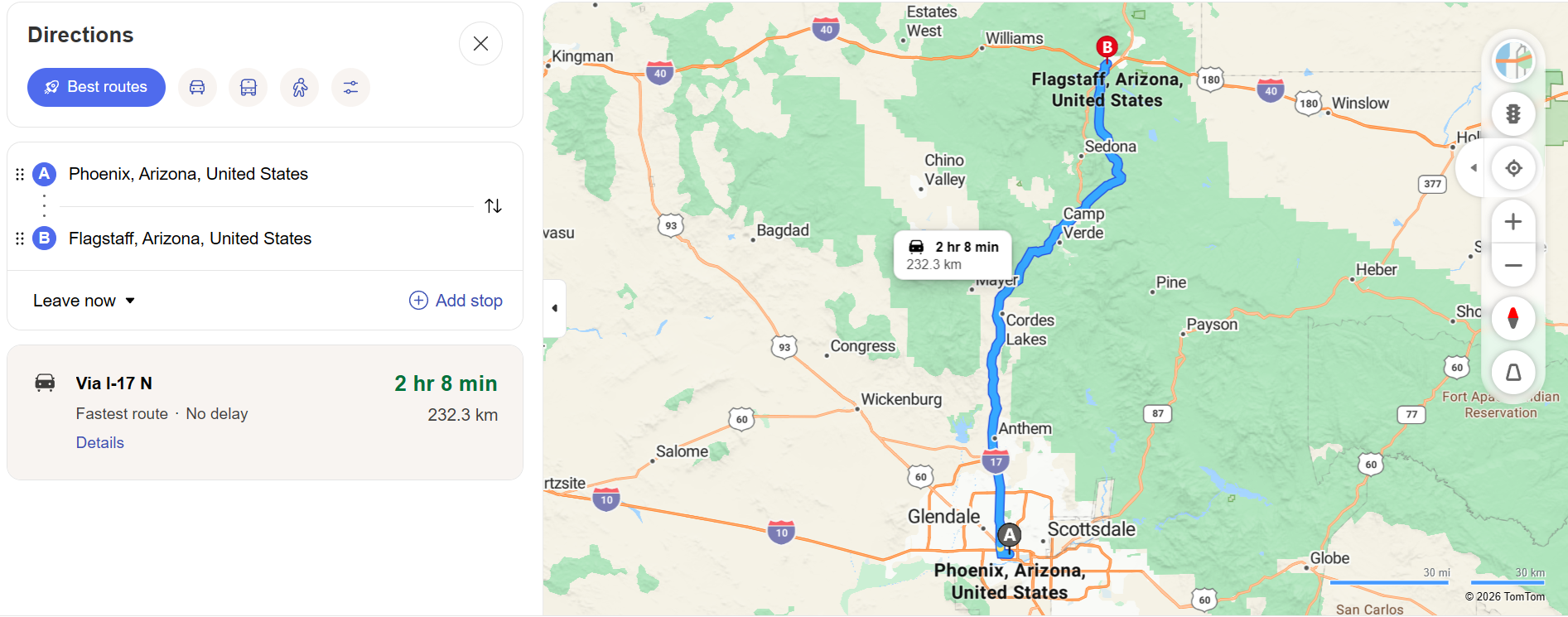
Estimating gas costs using Bing Maps involves a simple three-step process. First, enter your starting point and destination into Bing Maps to obtain the total driving distance. Second, divide that distance by your vehicle's average miles per gallon (MPG) rating to determine how many gallons of fuel you will need. Third, multiply the gallons needed by the current price per gallon in your area.
For example, if Bing Maps shows a driving distance of 300 miles and your car averages 25 MPG, you will need approximately 12 gallons of fuel. At a gas price of $3.50 per gallon, your estimated fuel cost for the trip would be $42. This straightforward calculation gives you a reliable baseline for budgeting.
Factors That Affect Fuel Consumption
Driving Speed and Style
Your driving speed significantly impacts fuel consumption. Most vehicles achieve optimal fuel efficiency between 45 and 65 miles per hour. Driving at higher speeds increases aerodynamic drag and fuel consumption. Aggressive acceleration, frequent braking, and rapid lane changes also reduce fuel efficiency, sometimes by as much as 33 percent on highways.
Route Type and Terrain
Highway driving generally yields better fuel efficiency than city driving due to fewer stops and more consistent speeds. However, mountainous terrain with steep inclines demands more engine power and increases fuel consumption. When using Bing Maps, consider selecting a route with flatter terrain if fuel savings are a priority, even if it adds a few extra miles.
Vehicle Condition
Properly maintained vehicles consume less fuel. Under-inflated tires, dirty air filters, old spark plugs, and low-quality engine oil can all reduce your MPG rating. Before a long trip, ensure your vehicle is serviced and your tires are inflated to the manufacturer's recommended pressure.
Weather and Wind
Cold weather reduces fuel efficiency because engines take longer to reach optimal operating temperature. Strong headwinds also increase fuel consumption by creating additional resistance. Check weather forecasts along your Bing Maps route to anticipate conditions that might affect your fuel budget.
Saving Money on Gas
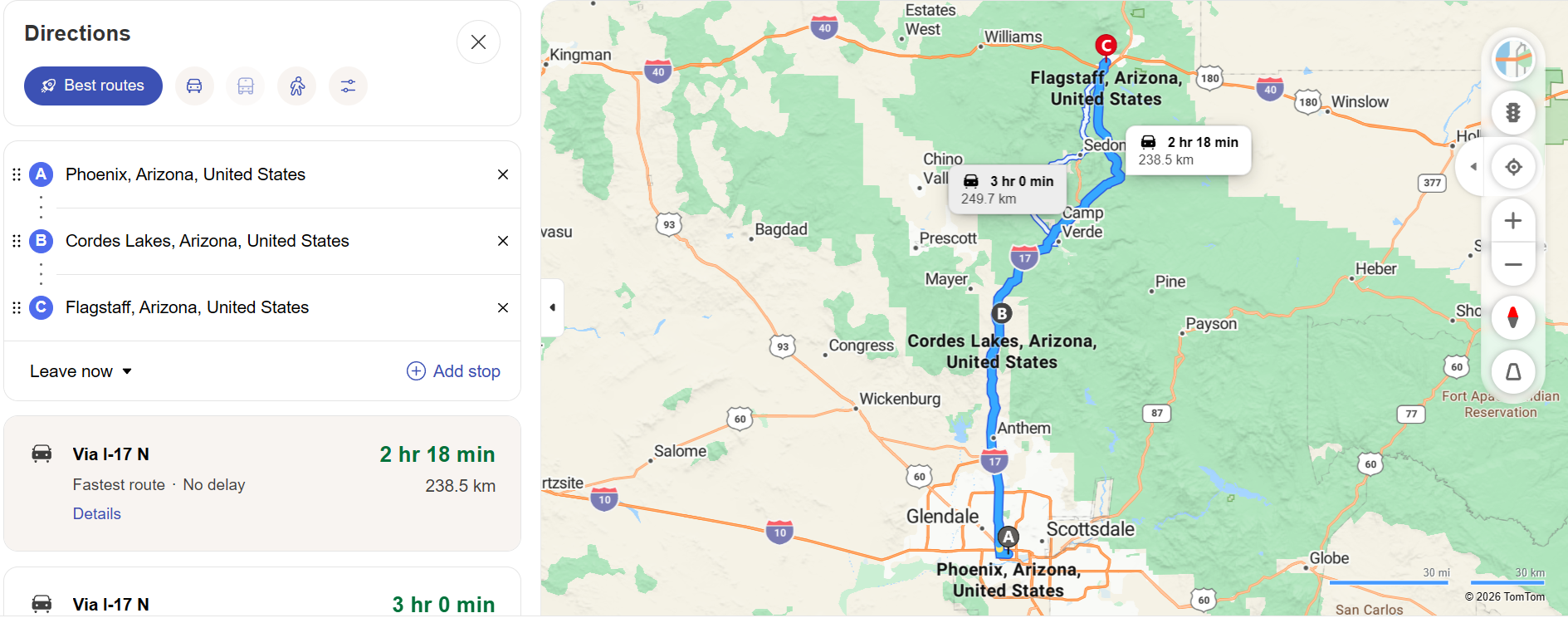
Choose the Most Efficient Route — Bing Maps offers multiple route options for most trips. While the fastest route may use highways with high-speed driving, a slightly slower route through lower-speed zones might save fuel. Compare the distance and estimated times of each option and choose the one that best balances speed and fuel efficiency.
Drive During Off-Peak Hours — Stop-and-go traffic dramatically increases fuel consumption. By planning your departure during off-peak hours, you can maintain steadier speeds and avoid the fuel waste associated with heavy congestion. Bing Maps traffic data helps you identify the best departure times.
Combine Trips — Multiple short trips consume more fuel than one longer trip covering the same total distance. Use Bing Maps Route Planner to combine errands into a single, optimized route that minimizes backtracking and reduces total driving distance.
Monitor Gas Prices — Gas prices can vary significantly between stations just a few miles apart. Check gas price comparison apps alongside your Bing Maps route to identify the most affordable fueling stops along your planned path.
Gas Calculator for Business Travel
Business travelers and companies with vehicle fleets can use Bing Maps gas calculations to budget transportation expenses accurately. By documenting the Bing Maps distance for each business trip and applying the IRS standard mileage rate or actual fuel costs, organizations can maintain transparent and auditable expense records. This data also helps fleet managers identify opportunities to reduce fuel spending through route optimization and vehicle efficiency improvements.