Bing Maps Satellite
Bing Maps Satellite view provides stunning high-resolution aerial imagery from space, giving you a real-world photographic perspective of any location on Earth. Whether you are researching a property, studying geographic features, or simply exploring the planet from above, Bing Maps satellite imagery delivers exceptional visual clarity and global coverage.
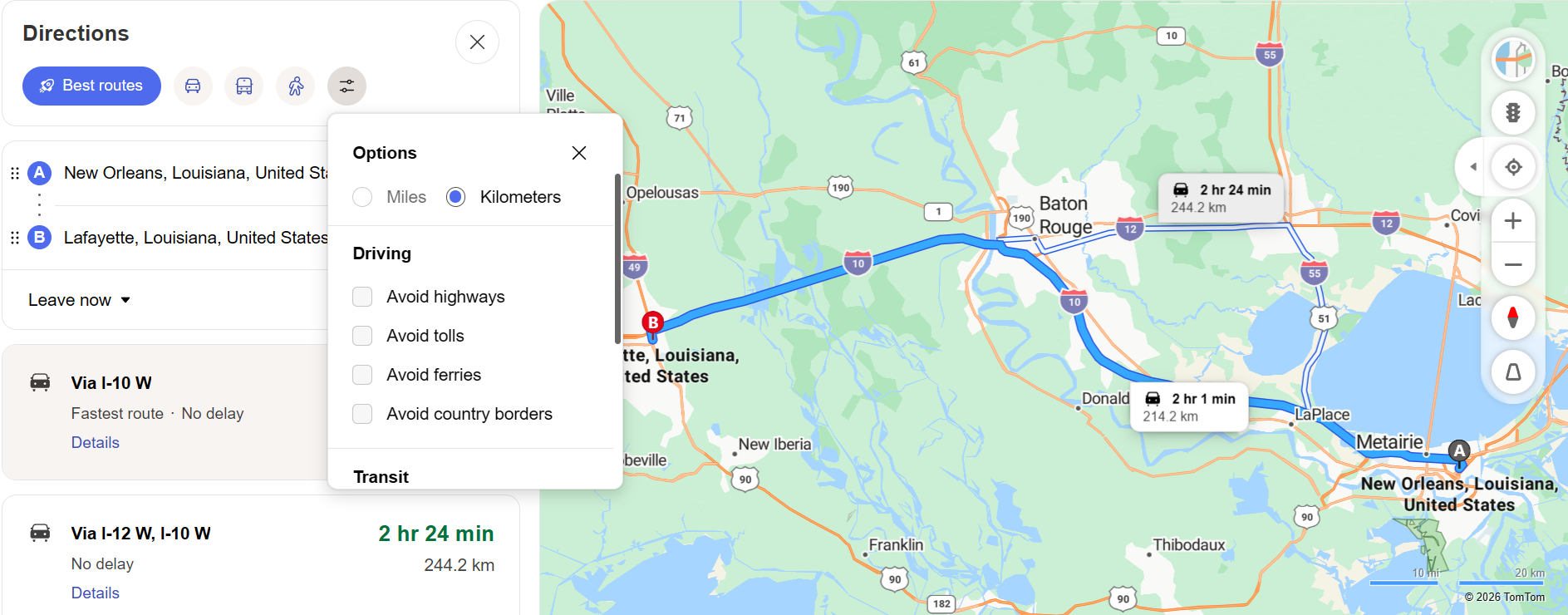
Satellite imagery has transformed how we understand and interact with geography. What was once available only to government agencies and remote sensing professionals is now freely accessible to everyone through Bing Maps. Microsoft sources satellite imagery from leading commercial providers and combines it with its own aerial photography program to deliver one of the most comprehensive satellite map experiences available online.
How to View Satellite Imagery on Bing Maps
Accessing satellite view on Bing Maps is straightforward. Navigate to any location using the search bar, then switch the map type from "Road" to "Aerial" using the map view toggle in the upper-right corner of the interface. The map instantly transforms from a schematic road view to photographic satellite imagery showing the actual landscape, buildings, vegetation, and terrain.
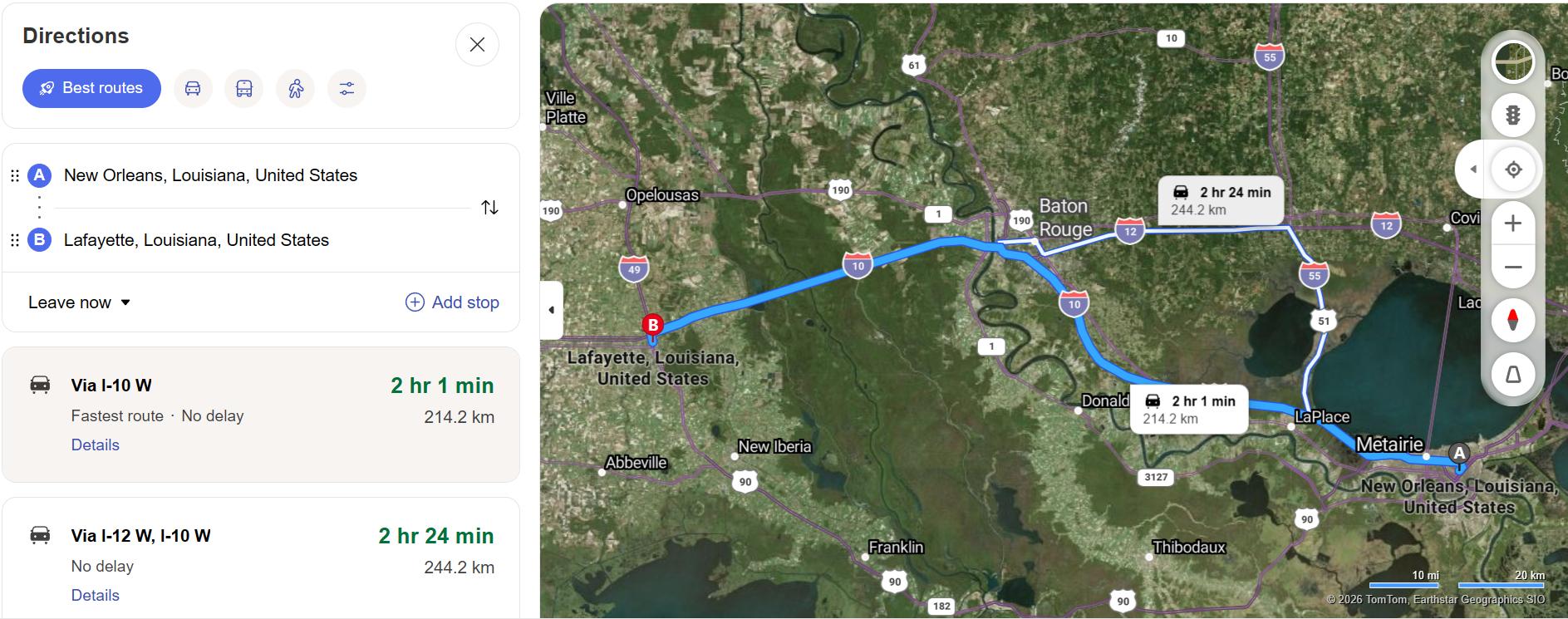
For additional detail, you can activate the "Labels" overlay on top of the satellite view. This hybrid mode displays road names, city labels, and points of interest overlaid on the satellite imagery, combining the geographic context of a road map with the visual richness of aerial photography.
Quality of Bing Maps Satellite Imagery
Resolution and Detail
Bing Maps satellite imagery varies in resolution depending on the location. Major metropolitan areas typically have ultra-high-resolution imagery where individual vehicles, trees, and even pedestrians may be visible. Rural and remote areas have lower but still usable resolution, sufficient for identifying roads, buildings, fields, and natural features.
Regular Updates
Microsoft regularly updates its satellite imagery to reflect changes in the physical landscape. New construction, road modifications, and environmental changes are captured through periodic re-imaging. While satellite imagery is not updated in real time, most populated areas receive new imagery every one to three years, ensuring reasonable currency.
Global Coverage
Bing Maps provides satellite coverage for virtually the entire surface of the Earth. From dense urban centers to remote deserts, mountain ranges, and oceanic islands, you can explore any geography using the satellite view. The consistency of global coverage makes Bing Maps a reliable tool for international research and exploration.
Practical Uses for Satellite Imagery
Property and Real Estate Assessment
Real estate professionals and property buyers use satellite imagery to assess land parcels, check surrounding neighborhoods, identify access roads, and evaluate terrain characteristics. The overhead view reveals property boundaries, nearby water features, vegetation density, and proximity to infrastructure that may not be apparent from Street View.
Travel and Route Planning
Satellite imagery enhances route planning by showing the actual landscape along your driving route. You can identify mountainous terrain, rivers, urban density, and open countryside — all of which influence driving conditions. Combining satellite view with driving directions gives you a comprehensive understanding of what your journey will actually look like.
Environmental and Geographic Study
Students, educators, and researchers use satellite imagery for geographic study, environmental monitoring, and landscape analysis. From studying deforestation patterns to tracking urban expansion, satellite views provide valuable visual data that complements traditional geographic datasets.
Event and Venue Planning
Event planners use satellite views to assess outdoor venues, parking availability, surrounding roads, and access points. The aerial perspective reveals layout details that are difficult to appreciate from ground level, helping planners make informed decisions about logistics and crowd management.
Satellite vs. Road Map View
Road map views excel at showing road networks, labels, and navigation information in a clean, distraction-free format. Satellite views provide photographic reality that shows terrain, vegetation, building footprints, and actual landscape conditions. The best approach is to use both views: road maps for navigation and route planning, and satellite views for visual assessment and detailed location analysis.
Bing Maps makes switching between views instant and seamless, encouraging you to use the right view for each task without interrupting your workflow.